How to RSVP on the Share Link
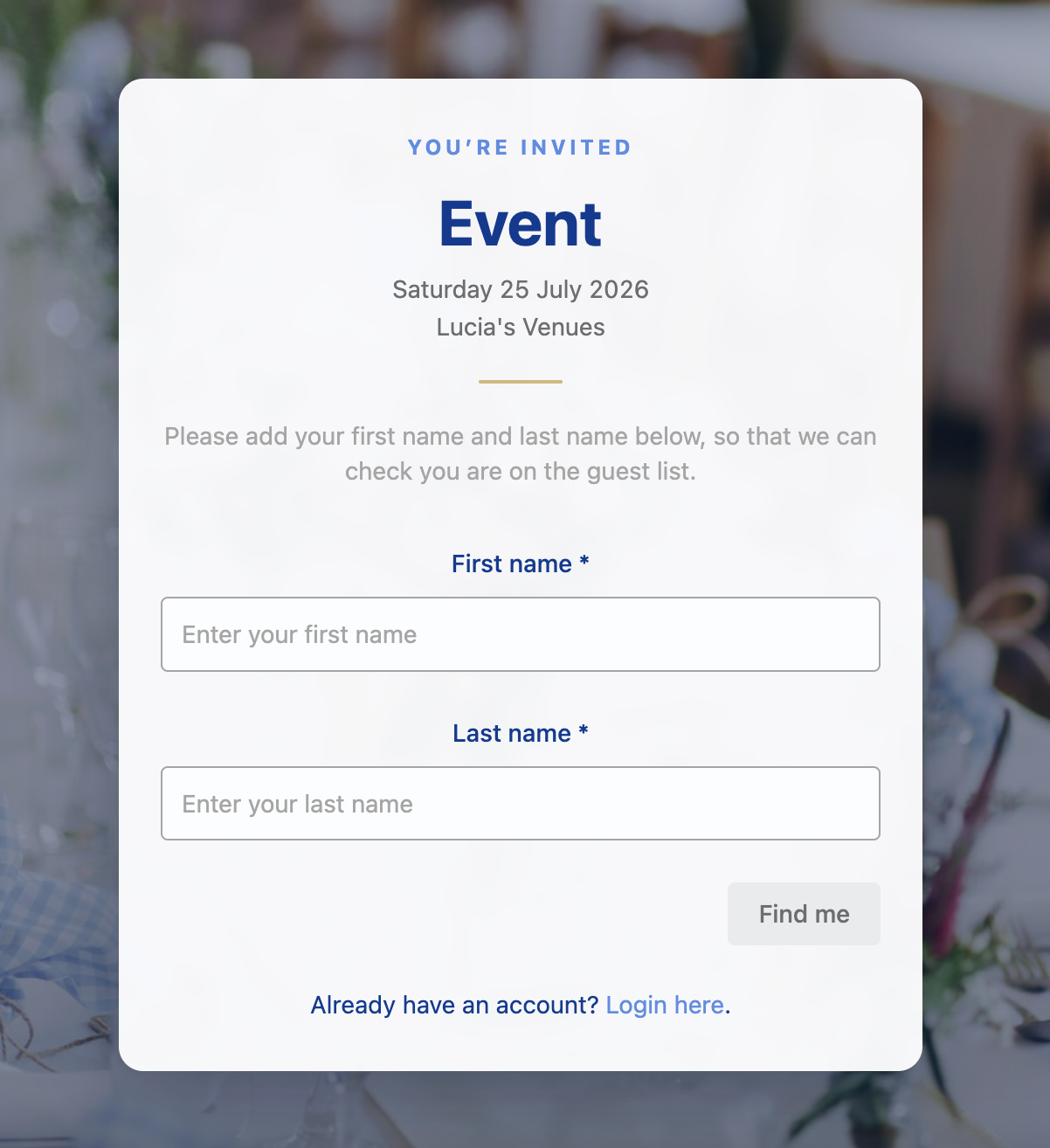
Access the invitation by adding your first and last name. Only exact match will be allowed to RSVP so make sure your spelling is correct. If there's any variations of your names, try that as well.
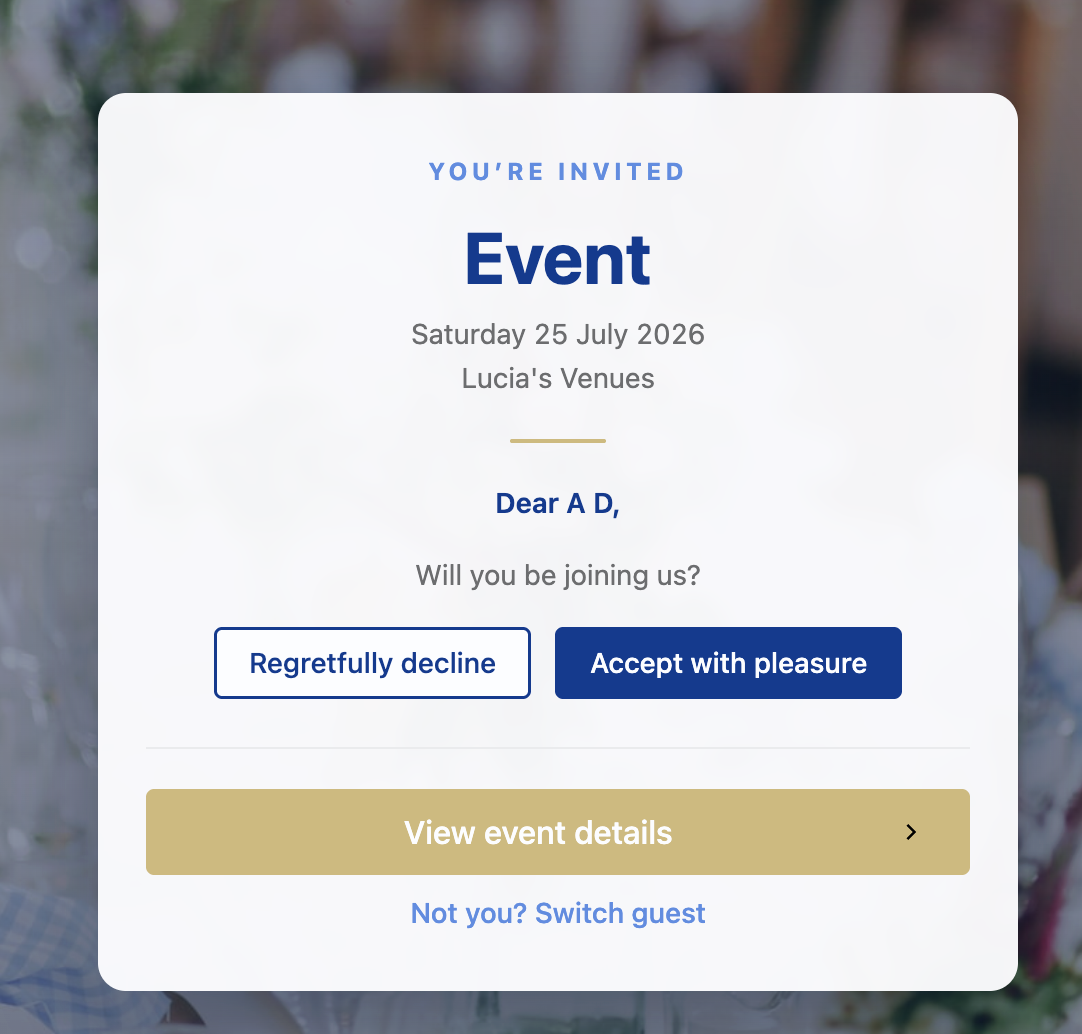
Accept or decline the invitation
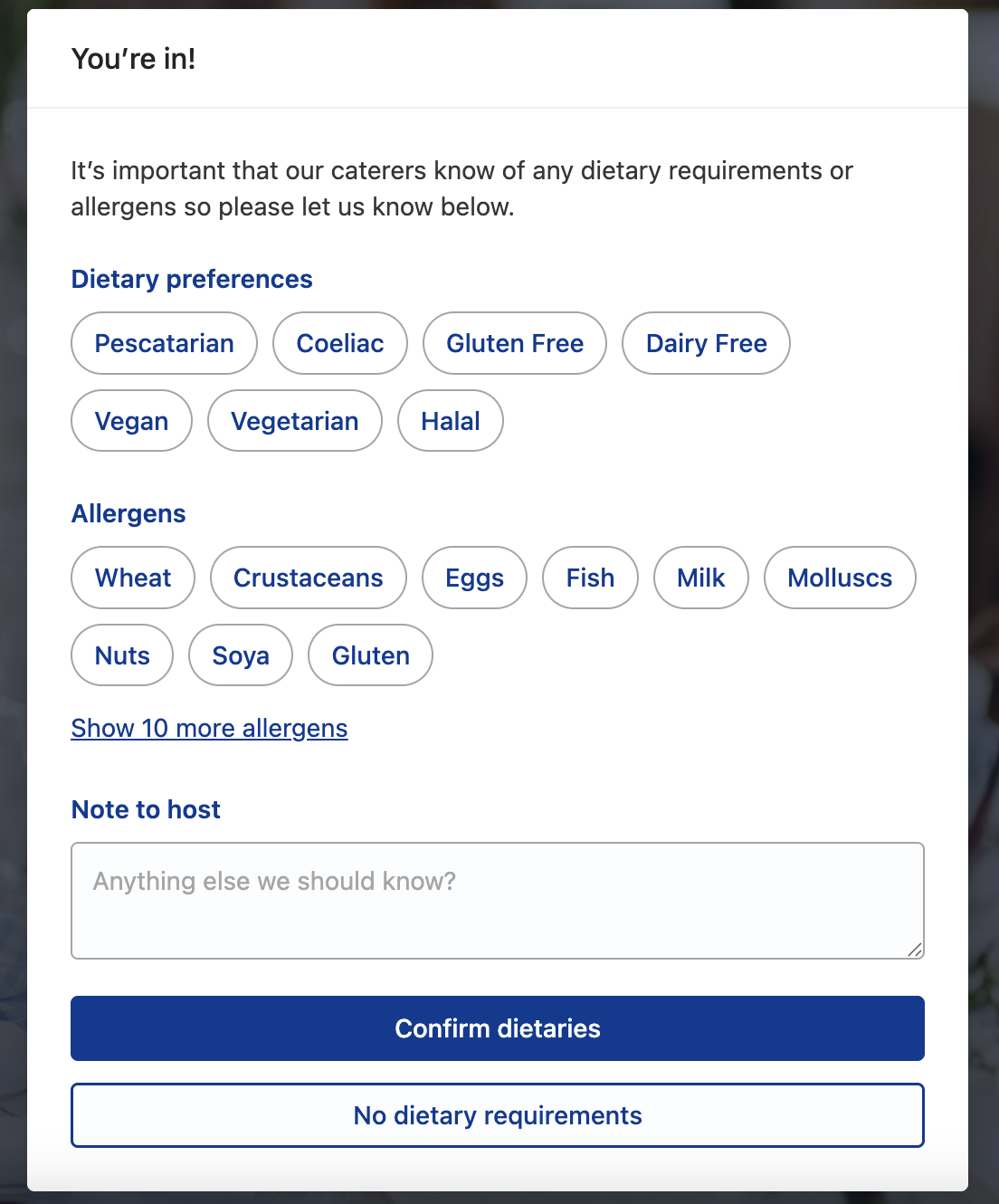
Once you accept, if the venue requires it, add your dietary requirements and allergens, then you'll be able to access the full invitation. You can always edit this later.
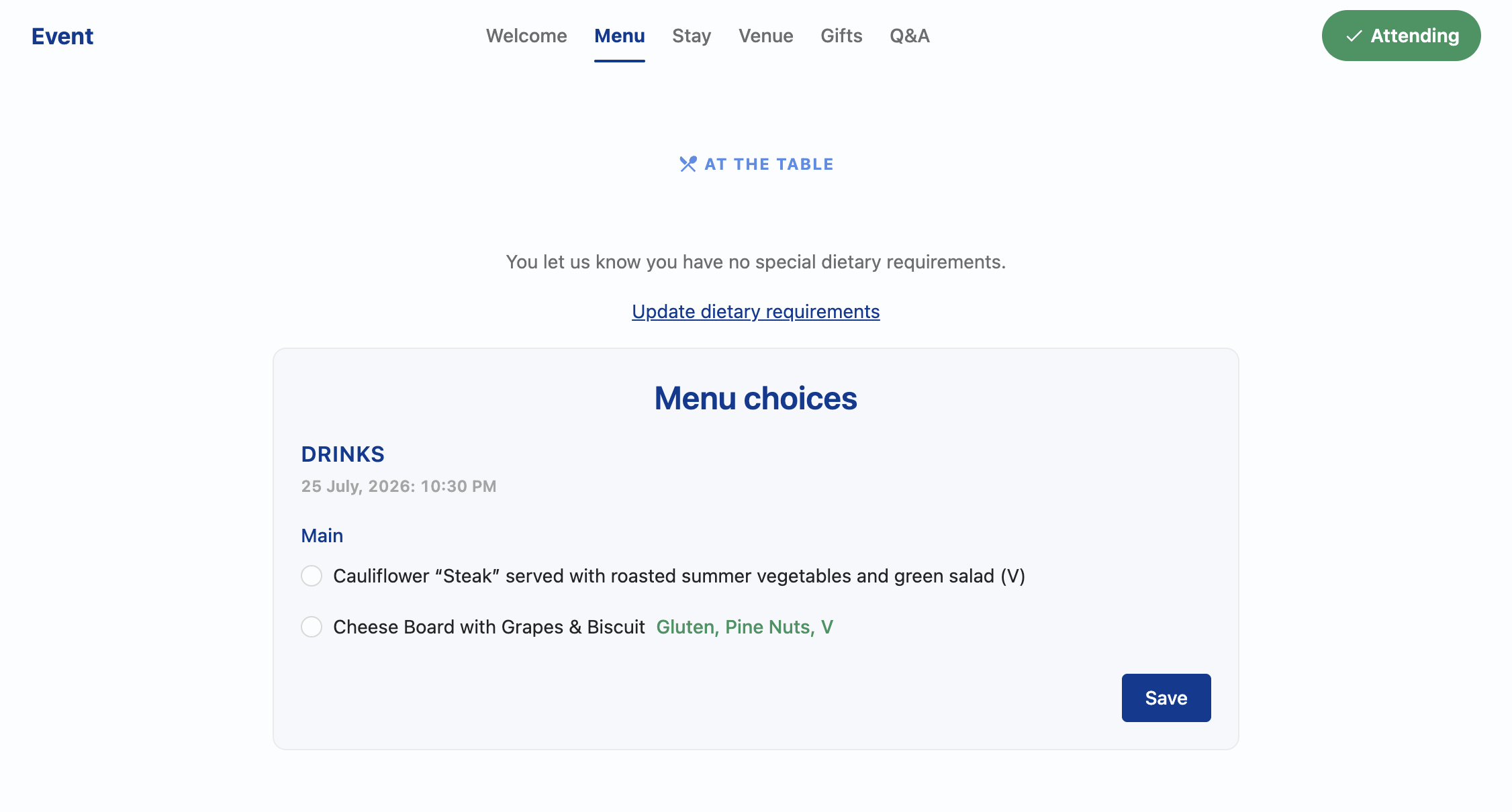
If there are any menu choices, for example choosing your meal, you'll be prompted to choose below.
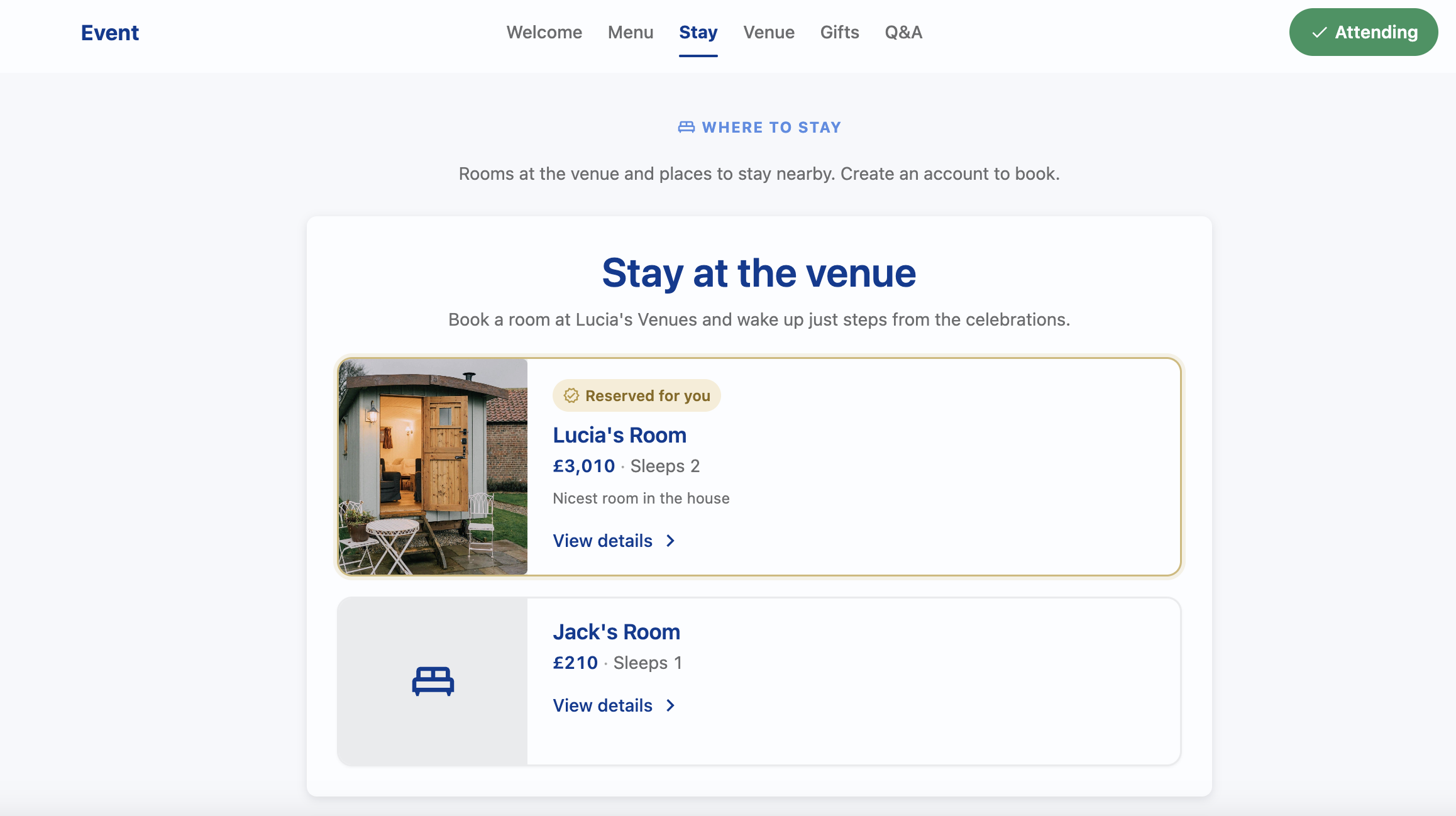
If there is accommodationa available the venue, pick and book your stay directly from Hostology. If you host has booked you into a room, it will show as "Reserved".
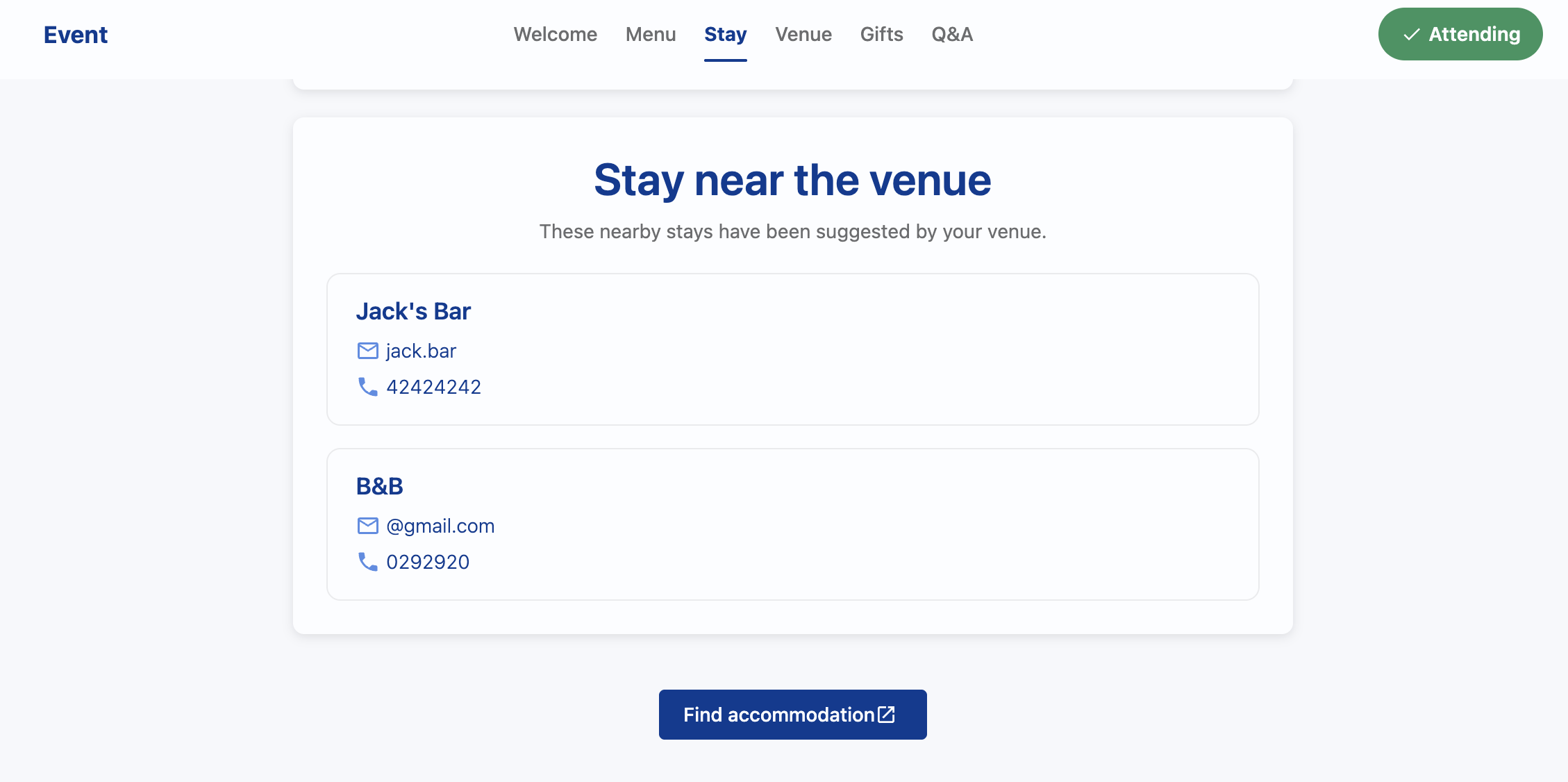
If there are no rooms available at the venue, check out other stays suggested by the venue or click on the "Find Accommodation" button to search more.
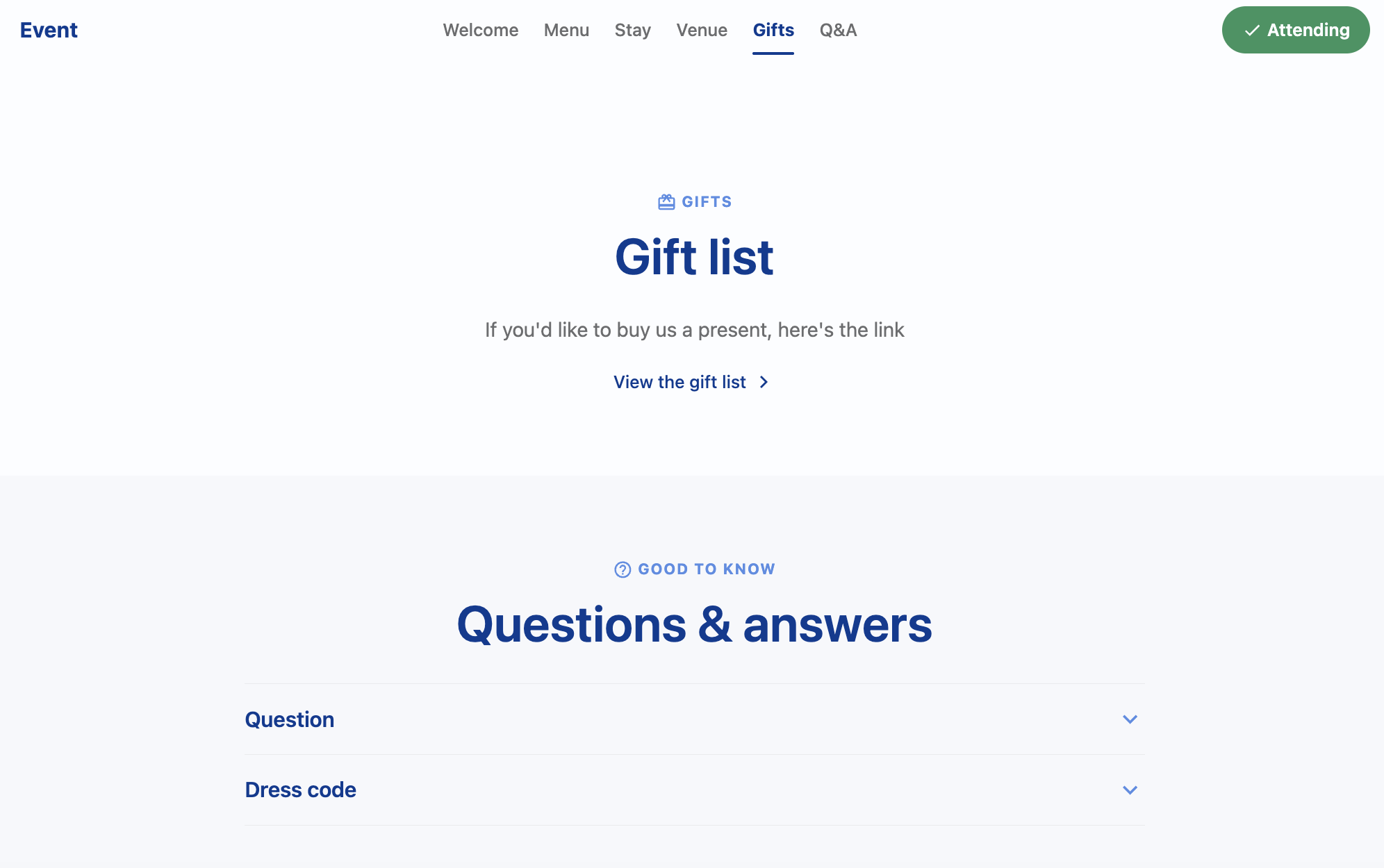
If the hosts have added one, check out their gift list and buy their present. They might also have added some FAQs so you know more about their event.